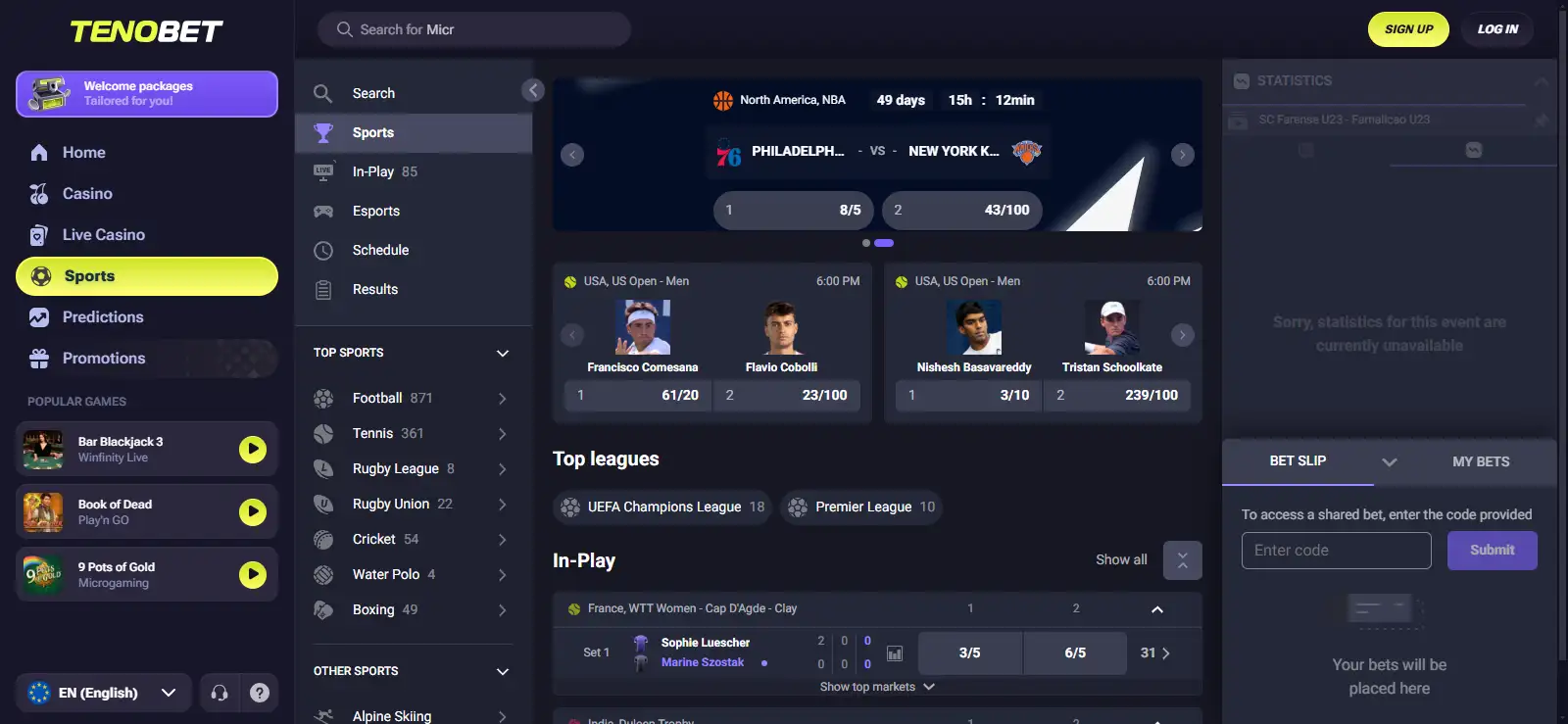
TenoBet Mobile Casino and App
 Available in GB
TenoBet currently has no native iOS or Android app. Mobile access is through the mobile-optimised website/browser experience, including PWA-style access. UK users can open the genuine TenoBet website in a modern mobile browser and use the account from there.
The casino and sportsbook can be reached without downloading a native app. Do not treat an unrelated App Store result, a similarly named betting brand or an unofficial APK as a TenoBet application. If TenoBet launches a native app in future, verify the developer and official brand link before installing it.
Table of Contents
- Does TenoBet have an iPhone or Android app?
- What browser-first access changes
- Casino games on mobile
- Live casino on a phone
- Sportsbook access without a native app
- Payments on mobile
- Support from a mobile browser
- Registration and KYC on mobile
- How to recognise a safe TenoBet mobile route
- Browser/PWA does not guarantee every native-app feature
- A browser shortcut can keep access simple
- Use the mobile site as the main access point
- Mobile checklist for UK users
- A practical mobile test before relying on browser access
- Using TenoBet without a native app
Does TenoBet have an iPhone or Android app?
TenoBet does not currently offer a native iOS or Android app. The service is mobile-browser based rather than a dedicated App Store or Google Play product.
The absence of a native app does not make TenoBet desktop-only. The site is mobile-optimised and works through a browser/PWA-style experience rather than a separately installed TenoBet application from Apple’s App Store or Google Play.
What browser-first access changes
With a browser-first setup, the URL is the entry point. You do not need to wait for an app-store update or manage a separate casino installation. You do, however, need to pay more attention to the page you open because a search result, advert or download page can use a similar name without being the same brand.
For repeat access, a browser bookmark is the simplest option. Some mobile browsers can also add a website shortcut to the home screen. That shortcut is still web access, not proof that a native TenoBet application exists. Avoid labelling every home-screen shortcut a “TenoBet app” because that can blur the distinction users are trying to understand.
Casino games on mobile
TenoBet’s casino includes slots and live casino, with providers such as Pragmatic Play, Play’n GO, Hacksaw Gaming, Relax Gaming and Wazdan. On mobile, use the game lobby to confirm which titles are available and how each game renders on your device.
A title that works well on desktop can feel different on a smaller screen. For the wider game catalogue, see the TenoBet games; for dealer tables and live-show formats, see the live-casino guide.
Live casino on a phone
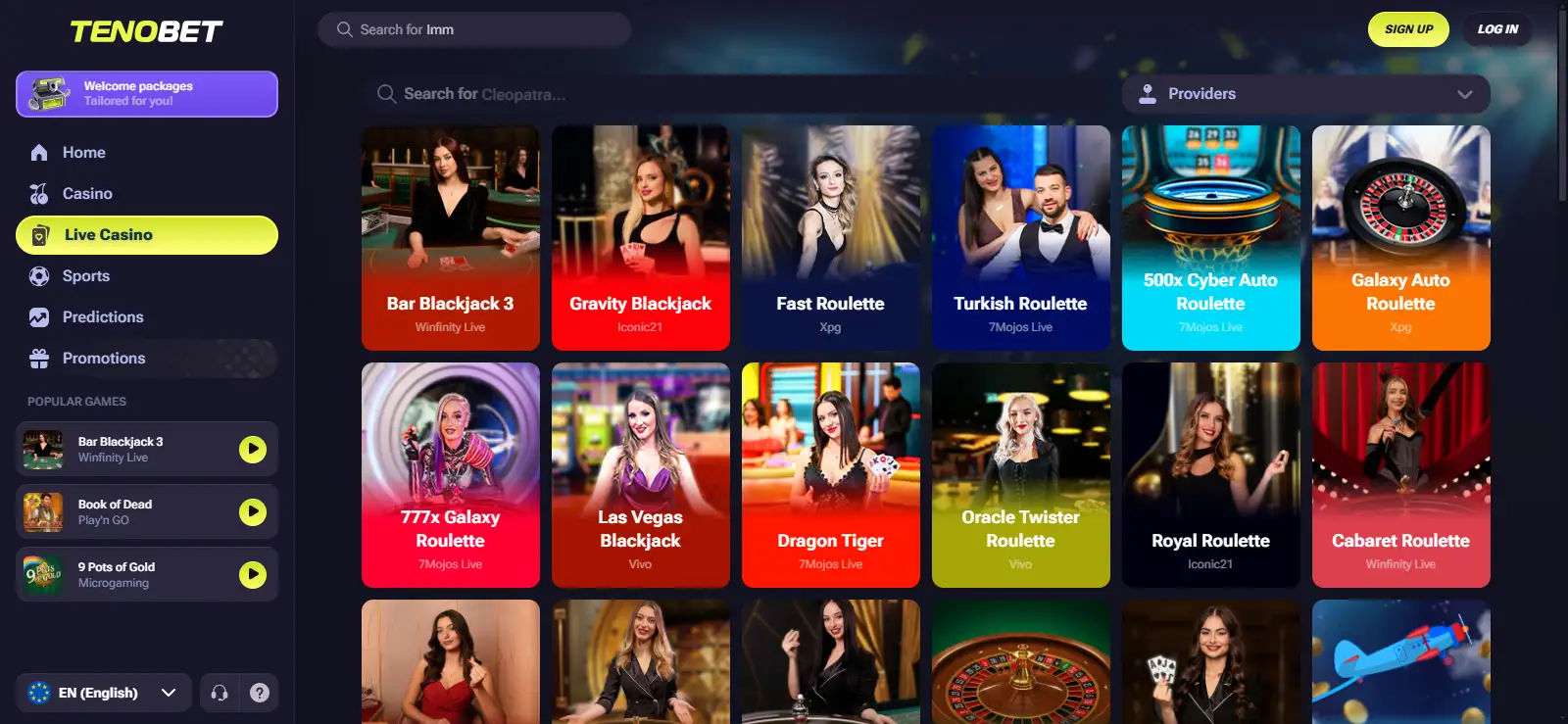
TenoBet live casino includes roulette, blackjack, baccarat, poker-style tables and live game-show formats. On a phone, the useful check is not just whether live casino exists but whether the individual table layout, video stream and controls are comfortable on your screen and connection.
Open a table from the mobile lobby and review the visible limits and controls before committing funds. Do not assume a table available on desktop will be visible at the same moment on mobile. For table categories and selection tips, use the dedicated TenoBet live casino guide.
Sportsbook access without a native app
A sportsbook is available alongside the casino, covering football, basketball and tennis, plus in-play betting and esports. That makes sports betting a significant part of the mobile experience even without a native TenoBet app.
Browser use can be enough for checking markets and placing bets, but desktop and mobile layouts can differ. Test the sportsbook on the device and connection you normally use. The dedicated sportsbook page covers sports and in-play features in more detail.
Payments on mobile
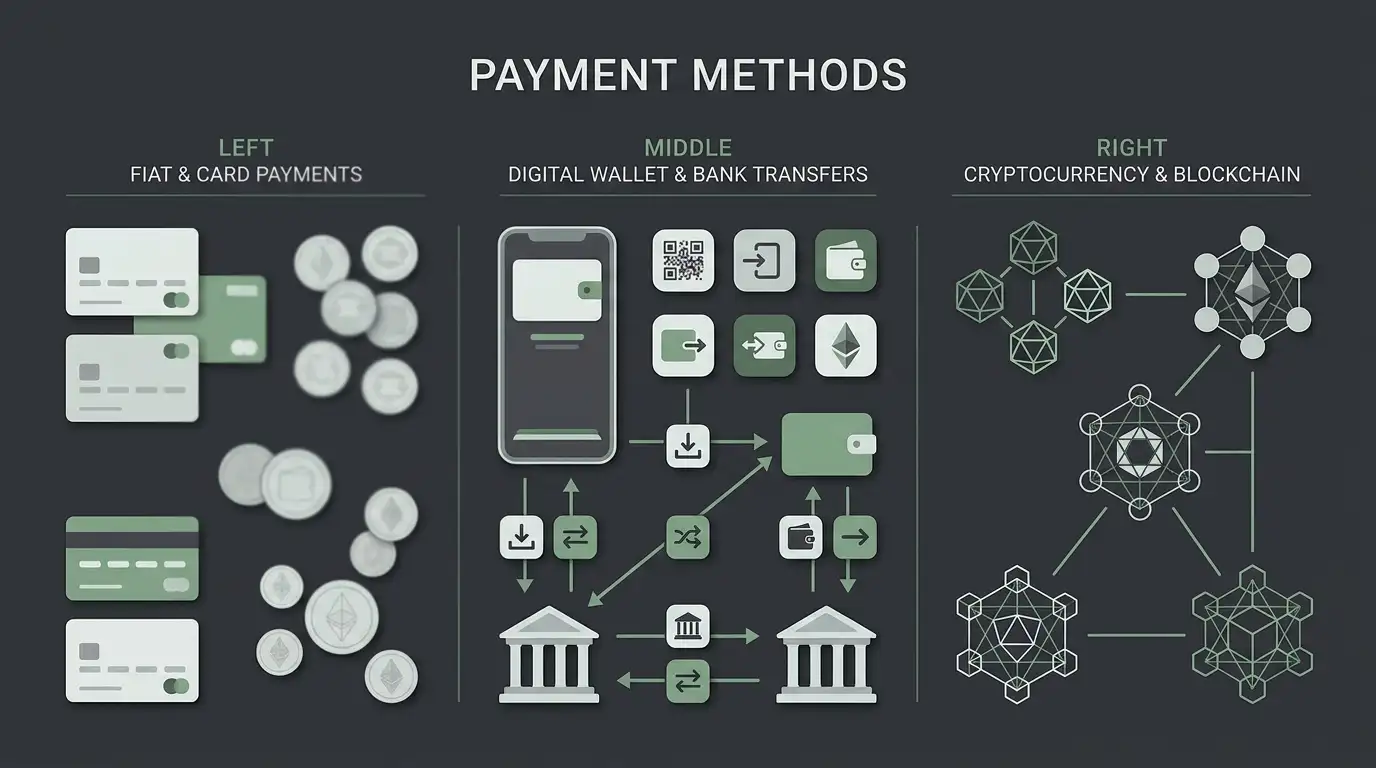
TenoBet supports GBP, cards, e-wallets, bank-transfer methods and mobile wallets. Apple Pay, Google Pay and Revolut are also available, while cryptocurrency support includes Bitcoin, Ethereum, Litecoin and USDT.
Not every payment method will necessarily appear for every mobile account. Confirm the available methods, transaction currency and instructions in the cashier. If payments are central to your choice, use the TenoBet payment methods for the wider banking picture.
Support from a mobile browser
English is supported and live chat is available 24/7. That gives mobile users a support route without requiring a native app. If a payment, account or login issue appears, describe the exact screen or transaction status you can see rather than sharing passwords, full card numbers or unnecessary personal information in chat.
The absence of a native application also means there is no need to install a separate support package. Use the support entry point presented through the genuine site and keep account-security details inside the official account flow.
Registration and KYC on mobile
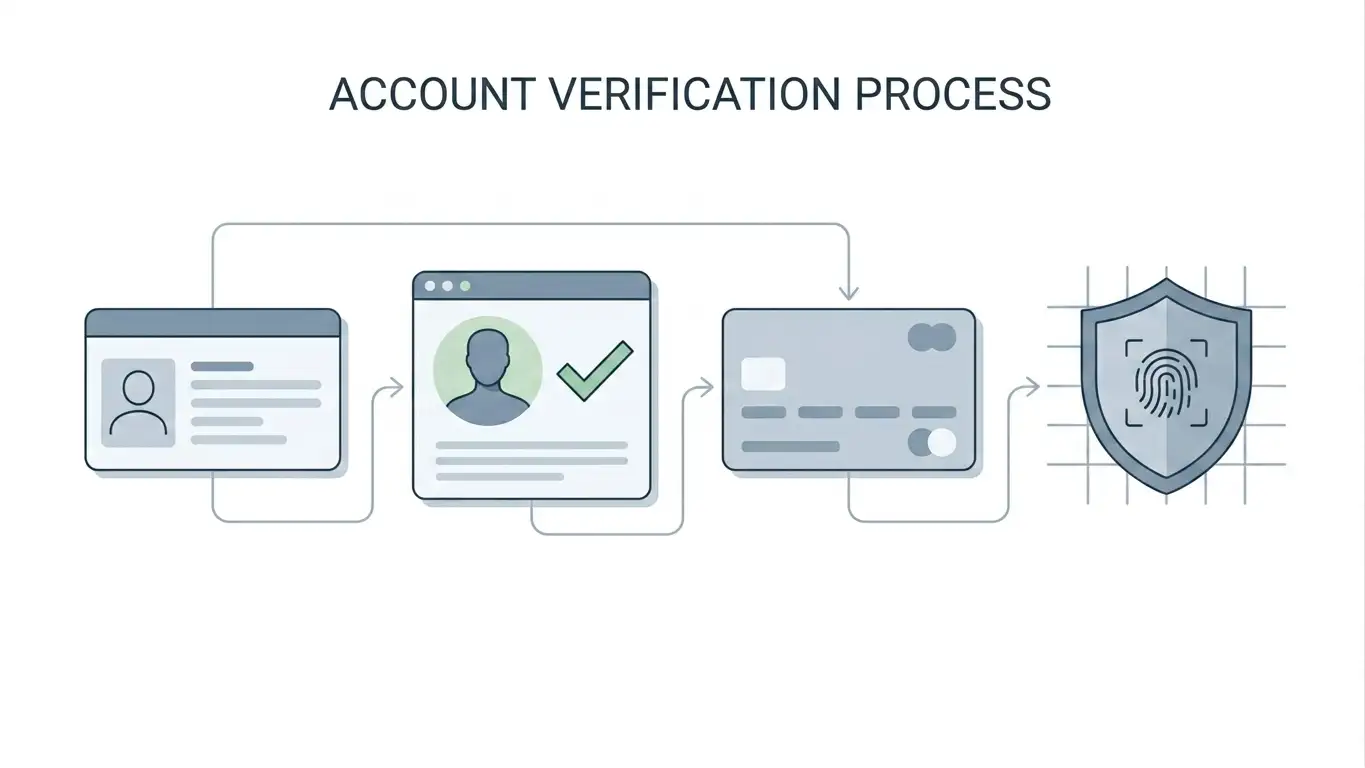
TenoBet requires KYC or identity verification. If the account asks for verification while you are using a phone, follow the instructions displayed in the account area rather than uploading identity documents to an external messaging service or download link.
The TenoBet registration explains account setup and identity checks in more detail.
If sports betting is your main mobile use case, the TenoBet sportsbook covers sports and in-play betting in more detail.
How to recognise a safe TenoBet mobile route
The safest mobile route is the genuine TenoBet website. A page claiming to provide a TenoBet APK is not made official simply because it uses the brand name or a casino icon.
- Start from the genuine TenoBet web address already associated with the brand, not from a random APK directory.
- Do not install a package merely because a search result calls it a TenoBet Android app.
- If an App Store or Google Play listing appears in future, check the developer identity and the link from TenoBet’s own site before installing.
- Do not confuse TenoBet with similarly named betting brands when scanning app-store search results.
- Use a browser bookmark or home-screen web shortcut if you want faster repeat access.
Browser/PWA does not guarantee every native-app feature
A PWA-style or mobile-optimised website can feel app-like, but mobile web access does not automatically include push notifications, offline play, biometric login, background updates or other native-app features.
Mobile web access is available. For any feature beyond basic web access, use the controls actually shown on your device rather than assuming a standard PWA feature set.
A browser shortcut can keep access simple
If you use TenoBet regularly on a phone, save the genuine site as a browser bookmark so you do not need to search for the brand every time. That reduces the chance of opening a similarly named site or an unofficial download page. The bookmark still opens the web version; it does not turn TenoBet into a native iOS or Android application.
Use the same care when switching devices. Check that the address is the one you expect before entering account credentials, and keep login codes and identity documents out of ordinary messages or unofficial download pages.
Use the mobile site as the main access point
Because there is no native TenoBet iOS or Android app, the mobile browser is the normal phone route. Save the genuine site address, keep the browser updated and return through that address rather than downloading software from an unrelated APK page or a similarly named app listing.
Mobile checklist for UK users
- Need a native app? TenoBet is not a match if app-store installation is a hard requirement today.
- Comfortable with browser play? Use the mobile site and test the parts you care about before depositing.
- Casino focus? Check the game lobby and one representative game on your own screen size.
- Live casino focus? Test the stream and table layout rather than assuming desktop behaviour.
- Sports focus? Check the mobile sportsbook markets you actually use, especially if in-play betting matters.
- Payments focus? Confirm GBP and the actual cashier methods shown on your account.
- Download safety? Do not install unofficial APKs or similarly named apps.
For the wider casino and sportsbook overview, return to the full TenoBet review.
A practical mobile test before relying on browser access
A browser-first service is easiest to judge by completing the same short sequence you expect to use regularly. Open the genuine site, sign in, move between the casino and sportsbook areas you care about, return to the account section and open the cashier without submitting a transaction. This checks navigation and screen fit without assuming that the mobile layout is identical to desktop.
For casino use, open one representative slot and, if relevant, one live table. Confirm that essential controls and game information remain readable on your normal screen size. For sports betting, check a pre-match event and the in-play area without placing a bet, paying attention to whether event names, markets and selections are clear. These checks are more useful than treating the absence of a native app as either automatically positive or automatically negative.
Browser settings can also affect the experience. If a privacy setting, content blocker or aggressive background-tab rule interrupts a session, adjust only the browser setting you understand rather than installing an unofficial app as a workaround. A saved bookmark or home-screen website shortcut can make repeat access faster while keeping the same browser-based route.
Before entering payment or identity information on mobile, confirm the address you opened is the expected TenoBet site. The account supports GBP and English, and KYC is required, so the phone may be used for account and cashier tasks as well as play. Keep those tasks inside the genuine account flow and treat any separate APK or similarly named app listing as unrelated unless TenoBet itself links to it.
Using TenoBet without a native app
TenoBet has no native iOS or Android app and is designed for browser/PWA access. It is therefore a browser-first mobile casino and sportsbook rather than an app-store-first product.
Use the mobile site for the tasks you need and check how the relevant game, market or cashier screen behaves on your device. If a native download appears in future, confirm the developer identity and the link from TenoBet before installing it.
Published by the Tenobet Casino 1 team.